
|
Getting your Trinity Audio player ready...
|
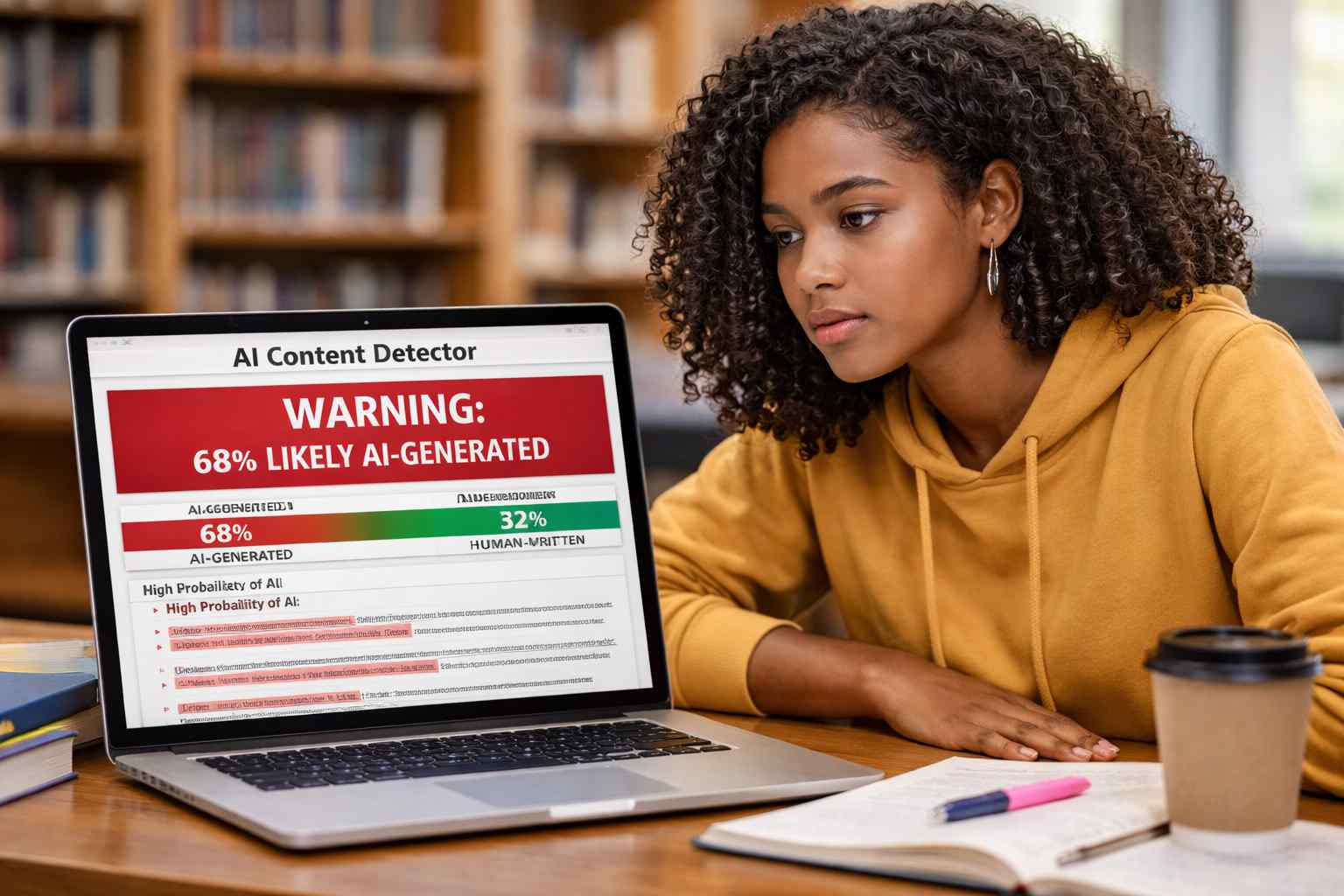
If you’re an author, researcher, or writing anything that matters in 2026, you need an AI detector. This tool has become as indispensable as a spellchecker. Journals and publishers are increasingly adopting them to screen out low-quality “garbage” or filler content so that they can prioritize resources towards high-quality research written by actual humans. Also, search engines are increasingly adopting algorithms that “punish” AI-generated content, so that searchers can quickly locate authentic answers to their queries. So, if you want your writing to make an impact, you should make sure it isn’t flagged as AI-generated.
Which is the best AI detector for academics? We’ve tested several, and here’s our opinion.
Paperpal
Paperpal gives users an easy-to-follow 3-band report, telling them exactly which sentences appear AI-written, human+AI written, or completely human written. It’s easy for you to just hover over the highlighted sentences and rewrite them, rather than struggle endlessly with reworking one section after another. Paperpal’s AI detector is built using scholarly content: over 100,000 human academic writing samples and output from popular LLMs like ChatGPT, Claude, and Gemini. And the detector is retrained every 90 days. Paperpal also has add-ins for MS Word and Google Docs.
Quillbot
Quillbot is capable of detecting text generated by ChatGPT, Gemini, Claude, and Llama. It also provides certificates for website owners or bloggers who need to demonstrate that their content is written by humans. It also offers users the convenience of a mobile app.
Winston AI
If you’re using Winston AI, you can also organize and categorize your files with this tool. Winston AI uses optical character recognition (OCR) that allows you to also run AI checks on scanned files. The tool even works on scanned handwritten documents.
Proofademic
Proofademic is an AI detector that was specifically built for teachers and educators, providing confidence scores that enable them to better evaluate academic essays and assignments. Proofademic offers a free 3-day trial for users (1000 words per request) and supports docx files.
Grammarly
Grammarly’s AI detector tool can rapidly identify text generated by ChatGPT, Gemini, Claude and other LLMs. It also offers one-click rewrites for flagged text. It can also tell whether the text was manually typed, pasted from an Internet source, or generated using AI.
Turnitin
Turnitin’s AI detector offers unlimited free scans and doesn’t require users to sign up. The tool can be used for essays, articles, blog posts, and various other text formats. Like the other tools mentioned above, this one too has been trained to detect content generated by popular LLMs like ChatGPT, GPT-4, and Claude. I couldn’t find an option to upload files, though; the tool required me to directly paste text in a box. This may be tricky for research papers where tables or figures have to be embedded within the main file and not submitted separately.
Frequently Asked Questions
Why use an AI detector?
Scanning your writing through an AI detector is a necessary safeguard. Even if you’re sure you (and any co-authors) have not used AI, it’s important to check whether your paper could end up being flagged when someone else scans it in an AI detector, such as your professor or target journal. Also the text flagged as AI-generated is often “formulaic”, so it may be a sign that you need to add your own opinions or voice to your writing.
What do I do if an AI detector gives my paper a high score?
First, relax. An AI detector is just a tool. It cannot make a decision to fail you, fire you, etc. Talk to the person who is making the decision. Provide evidence that you have done the work, such as by sharing your notes, rough draft, lab records, datasets, etc. Remember that many journals and universities do not 100% ban AI use in academic writing, as long as it’s used responsibly and ethically. And did you know, AI tools like Paperpal themselves have features that help users comply with guidelines around responsible AI use.
What’s the best way to lower the AI score of an academic paper?
There are quite a few things you can try to lower your paper’s AI score
- Rewrite the text to include your opinions and insights.
- Make sure you are varying sentence structure and length: a hallmark of AI writing is uniform sentence structure and length.
- Remove broad or generic statements, like “The link between obesity and physical activity is well known”. It’s well known! You don’t need to waste words on it! Directly talk about what is relevant to your research, such as “Although visceral fat is strongly and negatively correlated with VO2max in the general population, few studies have examined factors mediating or moderating this relationship in postmenopausal women.”